
Manage User Profile

This section introduces a manual designed to guide you through the process of managing your user profile efficiently.
Edit User Profile
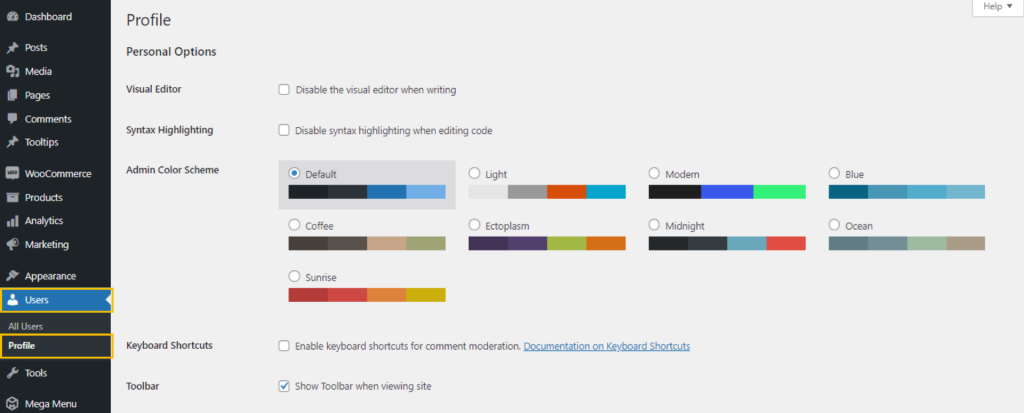
To be able to go to your user profile, go to the navigation bar and look for the ‘Users’ menu and under user’s menu, click the ‘Profile’.
Personal Details
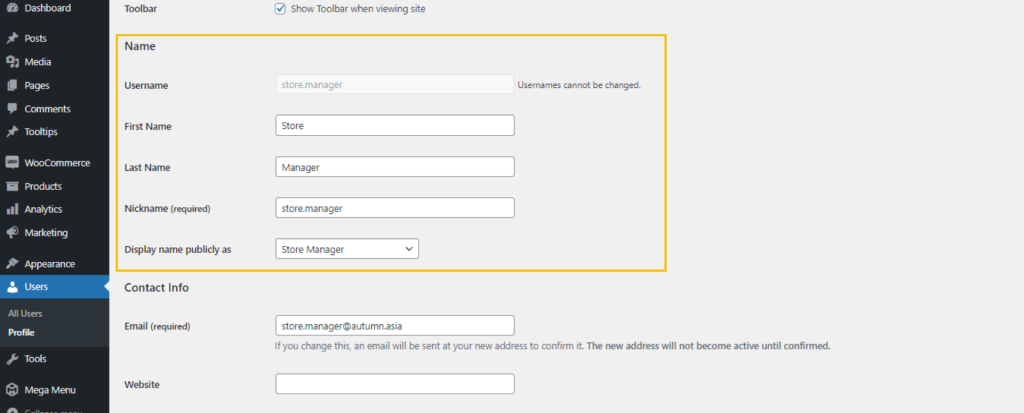
To update your personal information, input the required details into the designated box.
About yourself
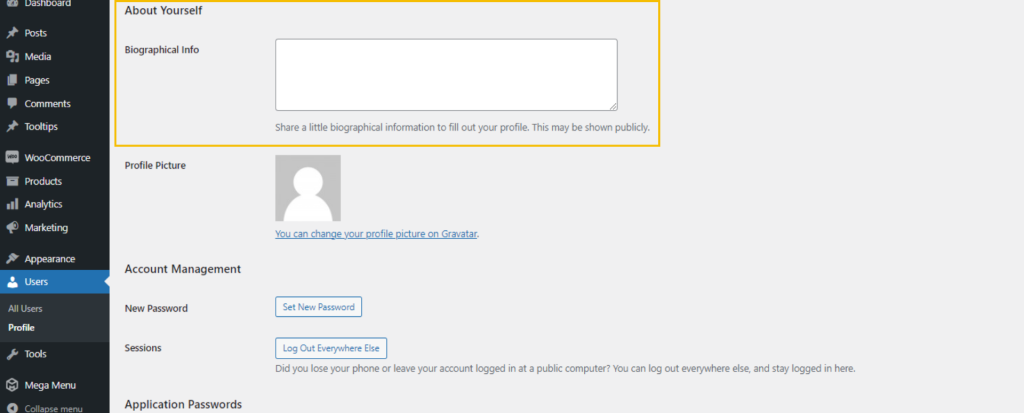
If you want to provide your biographical information, enter the details you’d like to share in the designated box into the designated box (optional).
Account Management
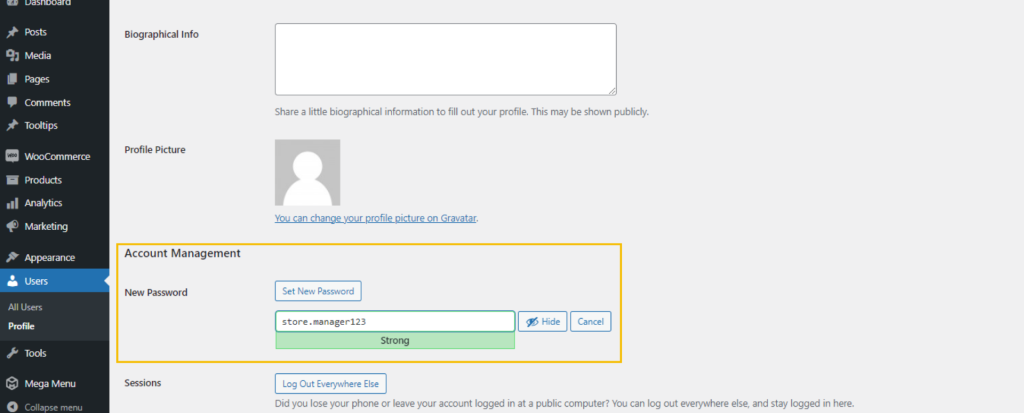
To make a new password, click the ‘Set new password’ button and create a new one.
Customer Billing Address
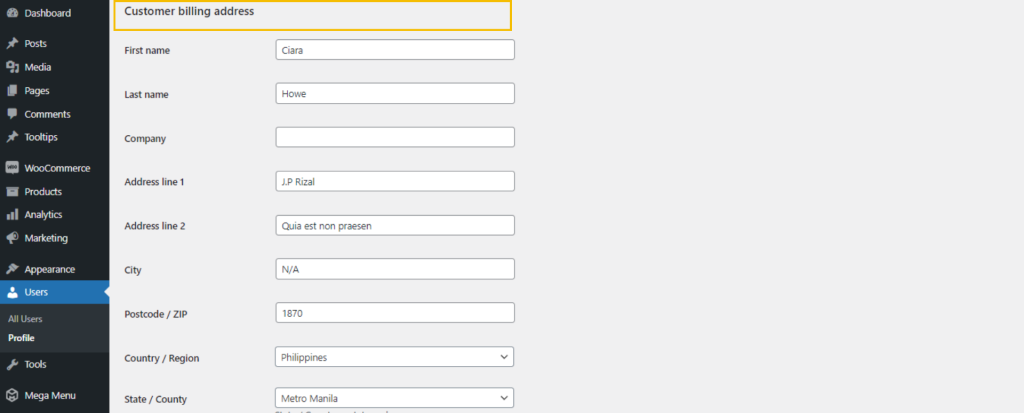
To update your billing address, navigate to the ‘Customer Billing Address’ section, and update the field you want to modify.
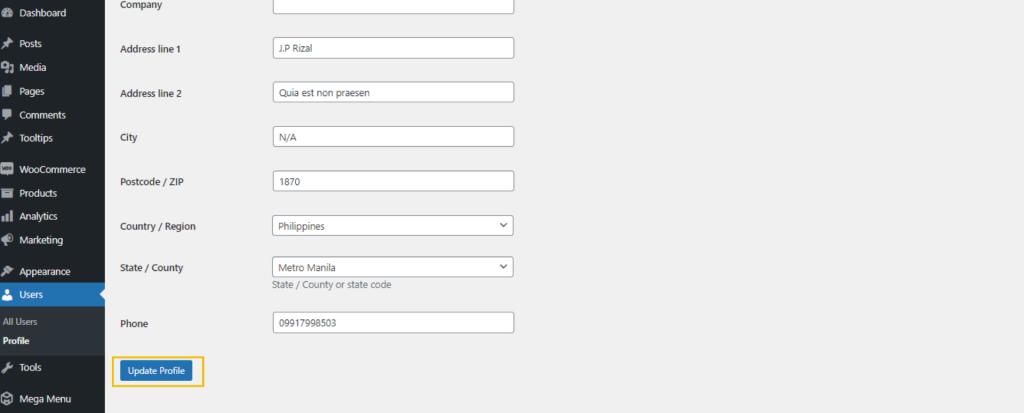
After making changes to your profile, remember to click the ‘Update’ button each time.